What is vCluster Platform?
vCluster Platform is the management plane for your tenant cluster fleet. It provides a web UI, CLI, and API for deploying, configuring, and operating tenant clustersTenant clusterA fully isolated Kubernetes environment provisioned for a single tenant. Each tenant cluster has its own API server, controller manager, and resource namespace, backed by a virtualized control plane hosted on a control plane cluster. From the tenant's perspective it behaves exactly like a standard Kubernetes cluster. across one or more Control Plane ClustersControl plane clusterThe Kubernetes cluster that hosts the virtualized control planes for tenant clusters. The control plane cluster is operated by the platform provider and is completely invisible to tenants. There are no shared control plane nodes, no in-cluster agent pods, and no lateral path between tenant environments. With shared nodes, this cluster also runs tenant workloads alongside the control plane pods — the same node pool is used for both.. Access control, lifecycle automation, resource governance, and node management are all built in.
Without Platform, operating tenant clusters at scale requires custom tooling for provisioning workflows, RBAC, quota enforcement, and cluster lifecycle. Platform replaces that custom work with a production-ready management layer.
How Platform fits into the picture
vCluster creates and runs tenant clusters. Platform manages the fleet. The relationship is straightforward:
- vCluster handles the tenant cluster, including the API server, control plane, syncerSyncerA component in vCluster that synchronizes resources between the tenant cluster and the control plane cluster, enabling tenant clusters to function while maintaining isolation., and node connectivity
- Platform handles everything around the tenant cluster. It controls who can access it, how it's configured, when it sleeps, and when nodes are provisioned or deprovisioned
Platform installs into a Kubernetes cluster and connects to other clusters in your environment. Those connected clusters become the Control Plane Clusters where tenant cluster control planes run. Platform doesn't replace those clusters. It manages what runs inside them.
Understand the Platform architecture →
Projects
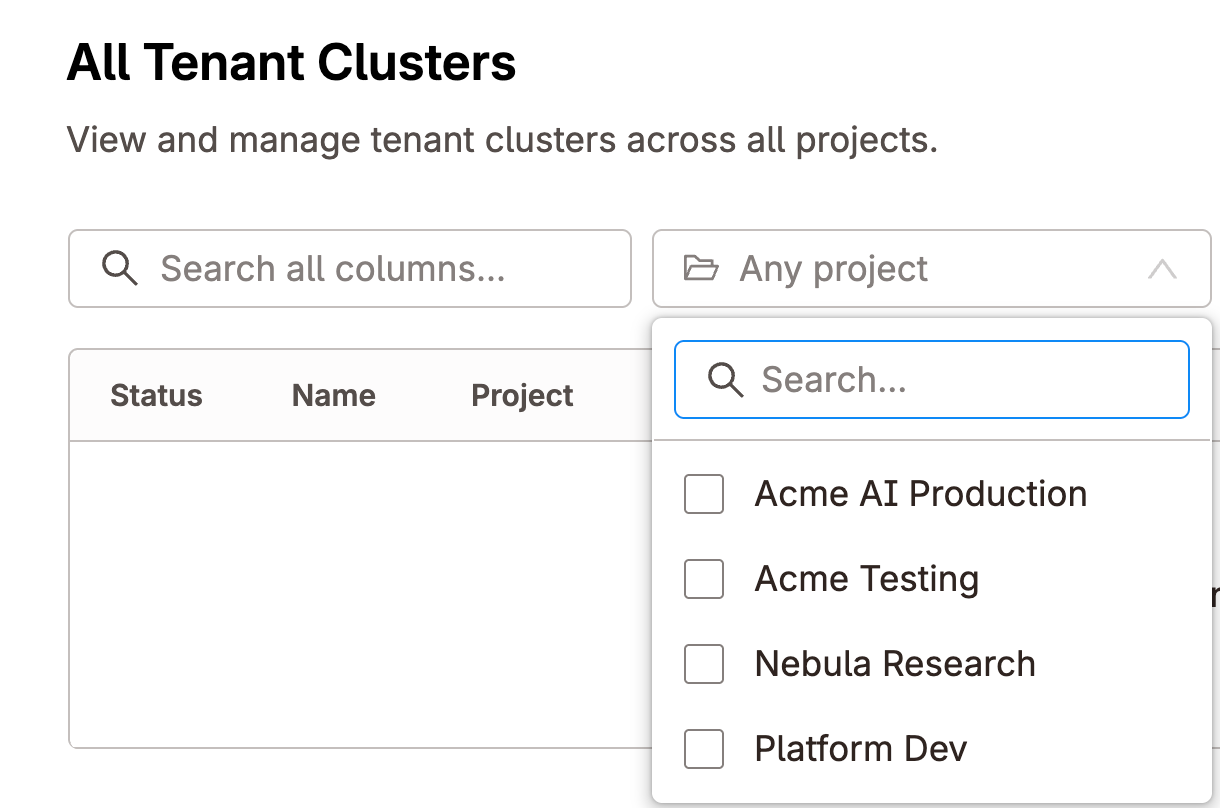
Projects are the primary organizational unit in Platform. Each project is a policy boundary that groups tenant clusters and the users or teams who access them.
Inside a project you can:
- Set resource quotas that cap compute and storage across all tenant clusters in the project
- Assign default and allowed templates so teams can only create clusters that meet your requirements
- Grant users and teams access to just this project, with no visibility into other projects
For AI cloud operators serving paying customers, projects map naturally to customer accounts or organizational boundaries. For internal platforms, projects map to teams, cost centers, or environments.
Tenant cluster management
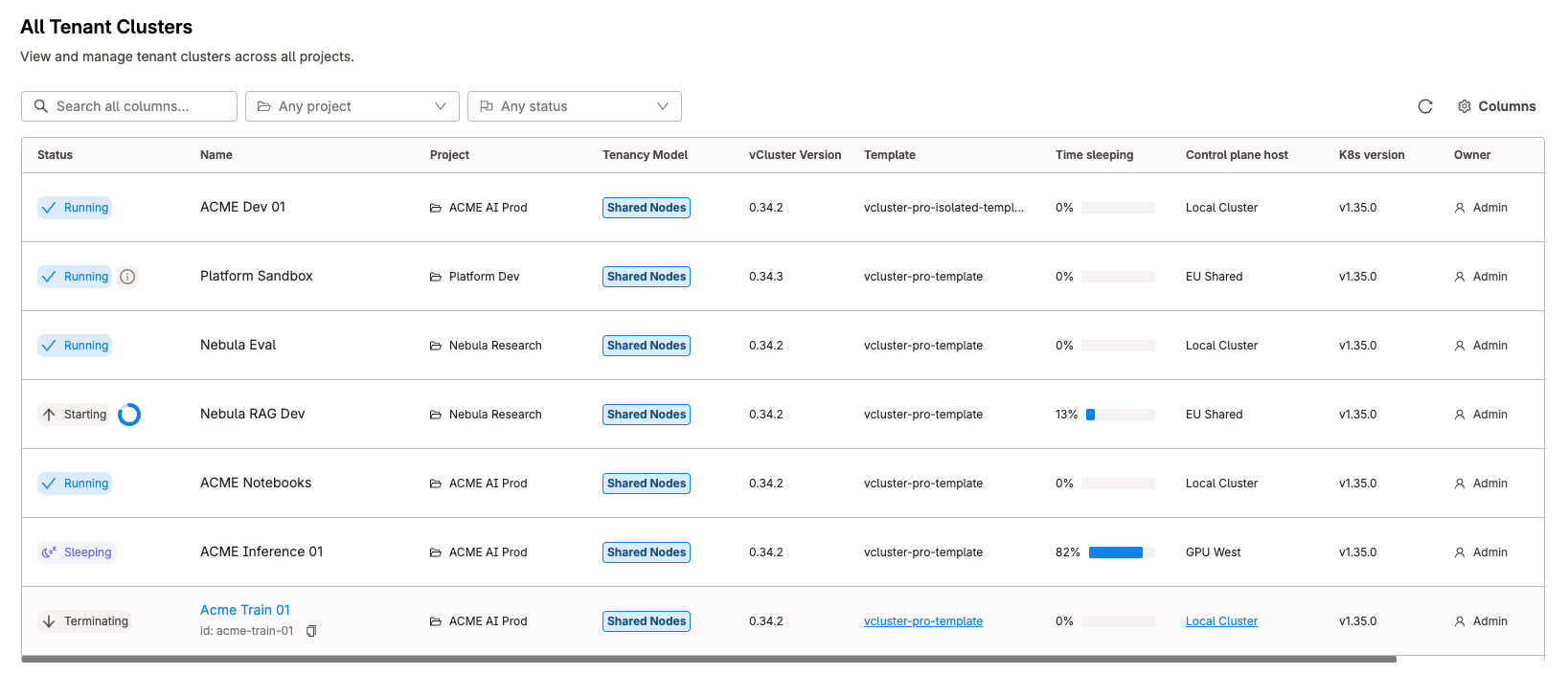
Platform provides a complete lifecycle interface for tenant clusters. Create, configure, upgrade, connect, and delete tenant clusters from the UI or through the Platform API.
Templates
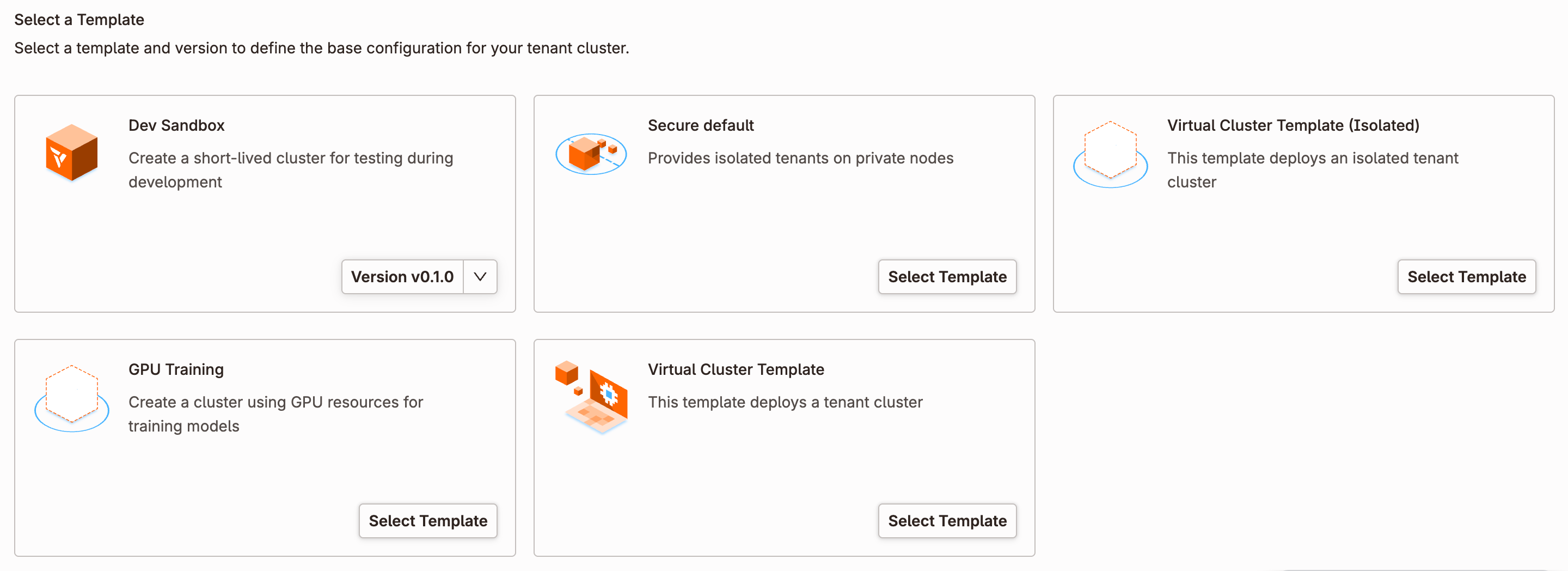
Templates define a baseline vcluster.yaml configuration applied to every tenant cluster created from them. Administrators define the templates available in each project. Users choose from those templates at creation time and can optionally customize within allowed bounds.
Templates solve the consistency problem at scale. Instead of relying on users to configure settings correctly, you encode requirements into a template and enforce them across the fleet.
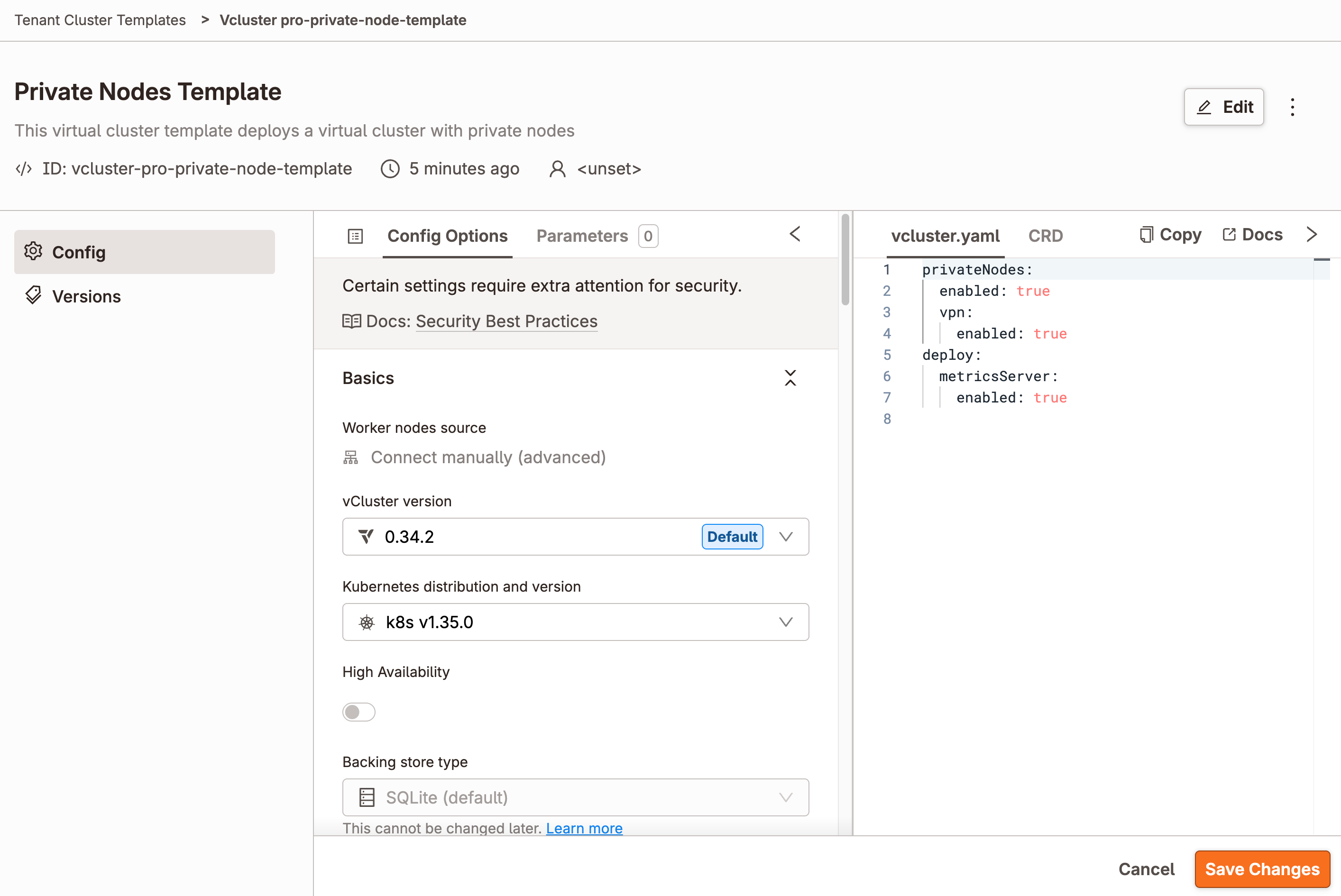
vcluster.yaml that Platform applies to new tenant clusters.Applications and stacks
Tenant cluster templates configure the Kubernetes environment itself. Apps install individual applications into that environment. When an environment needs several Apps or Argo CD Applications with dependency ordering, health gates, or output handoff, use a Stack to manage them as one unit.
Deploy and connect
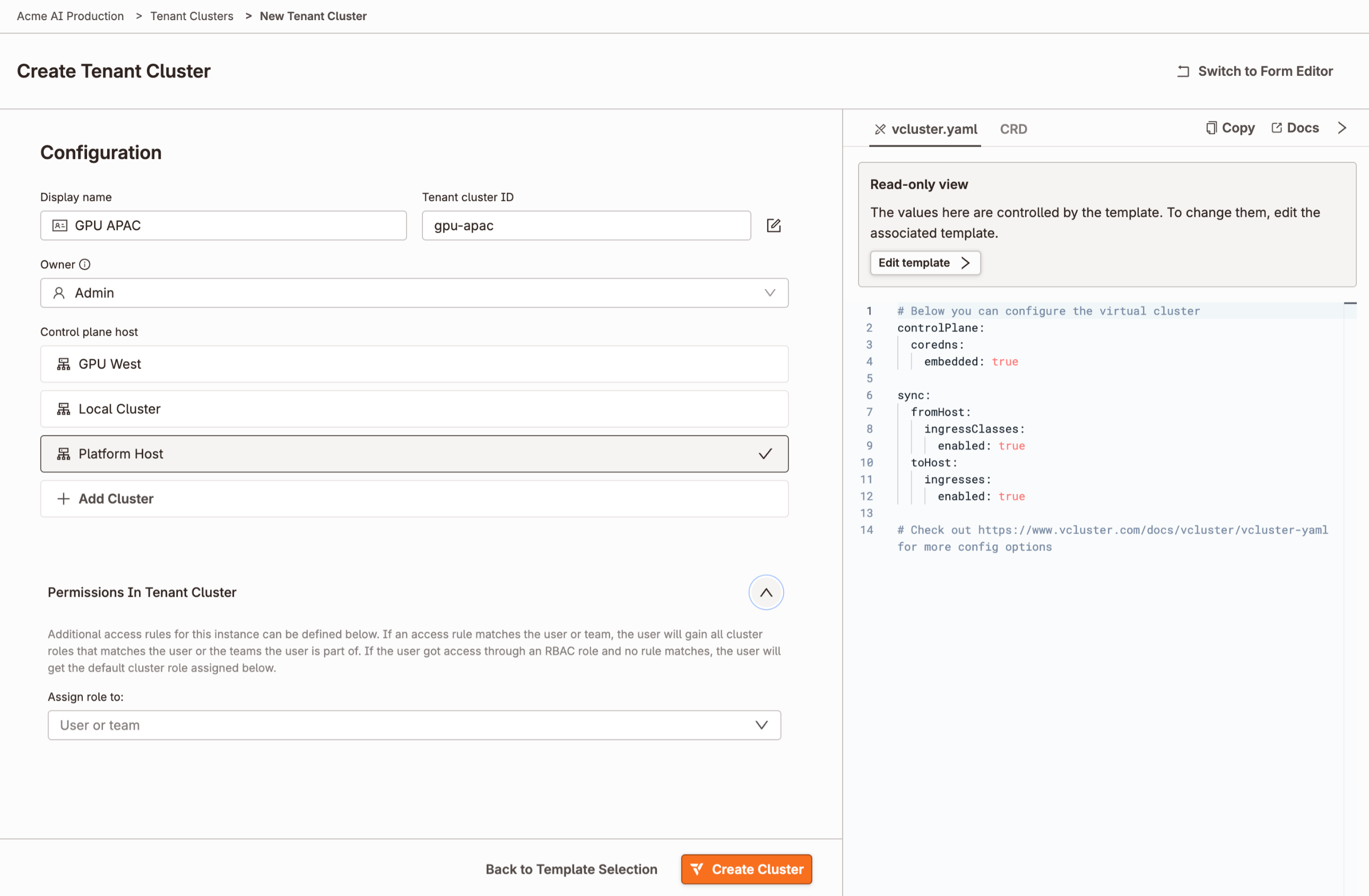
Tenant clusters can be created from the Platform UI, CLI (vcluster create), or Platform API. This makes Platform a good fit for GitOps workflows and automated provisioning pipelines. Once created, Platform generates a kubeconfig scoped to the tenant cluster. Users access their cluster directly. They never need credentials for the underlying Control Plane Cluster.
After selecting a template, users review the resolved configuration, choose where the tenant cluster runs, and confirm the generated vcluster.yaml before deployment.
Upgrade
Platform coordinates vCluster version upgrades with rolling updates. Upgrades can be initiated from the UI or automated through Platform's GitOps integration. Configuration changes to vcluster.yaml can be applied at the same time as version upgrades.
Sleep and wake
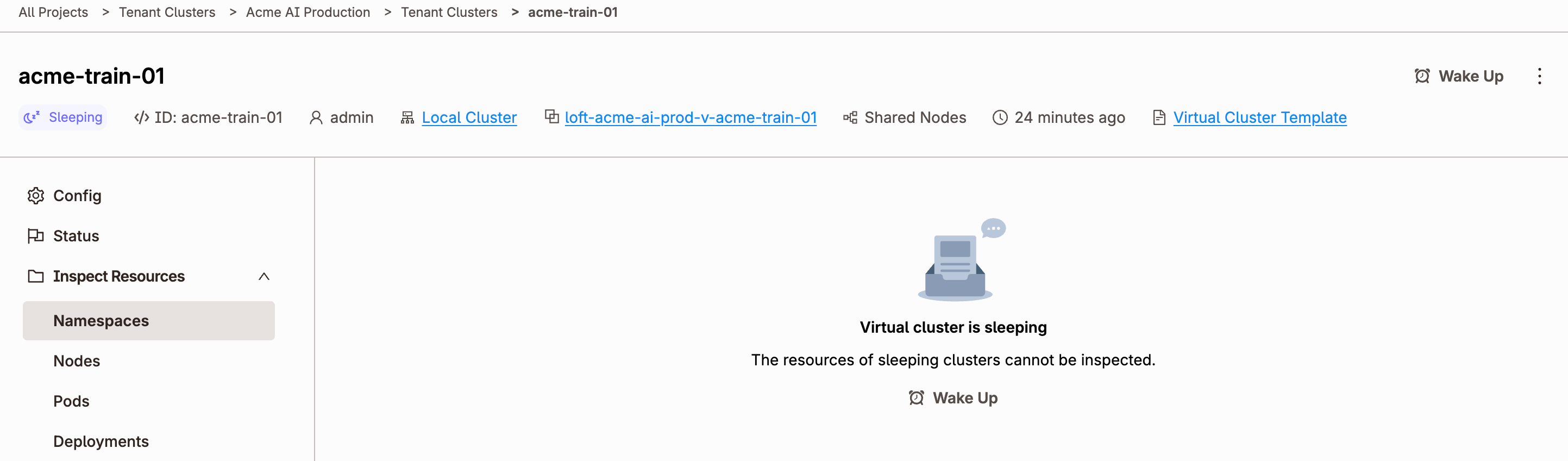
Platform can automatically sleep idle tenant clusters, suspending the control plane and stopping synced workloads to free resources. When activity resumes, Platform wakes the cluster and restores it to its previous state. The tenant experience is seamless. Their next kubectl command triggers the wake automatically.
Sleep can be configured three ways:
- Manual — sleep or wake a cluster on demand from the UI or CLI
- Inactivity timeout — sleep after a configurable period with no API activity
- Schedule — sleep and wake on a CRON schedule, useful for environments with predictable working hours
Auto-delete works the same way. Tenant clusters idle beyond a configured threshold are deleted automatically. This is useful for ephemeral developer and CI environments where clusters are created frequently and often abandoned.
Access control
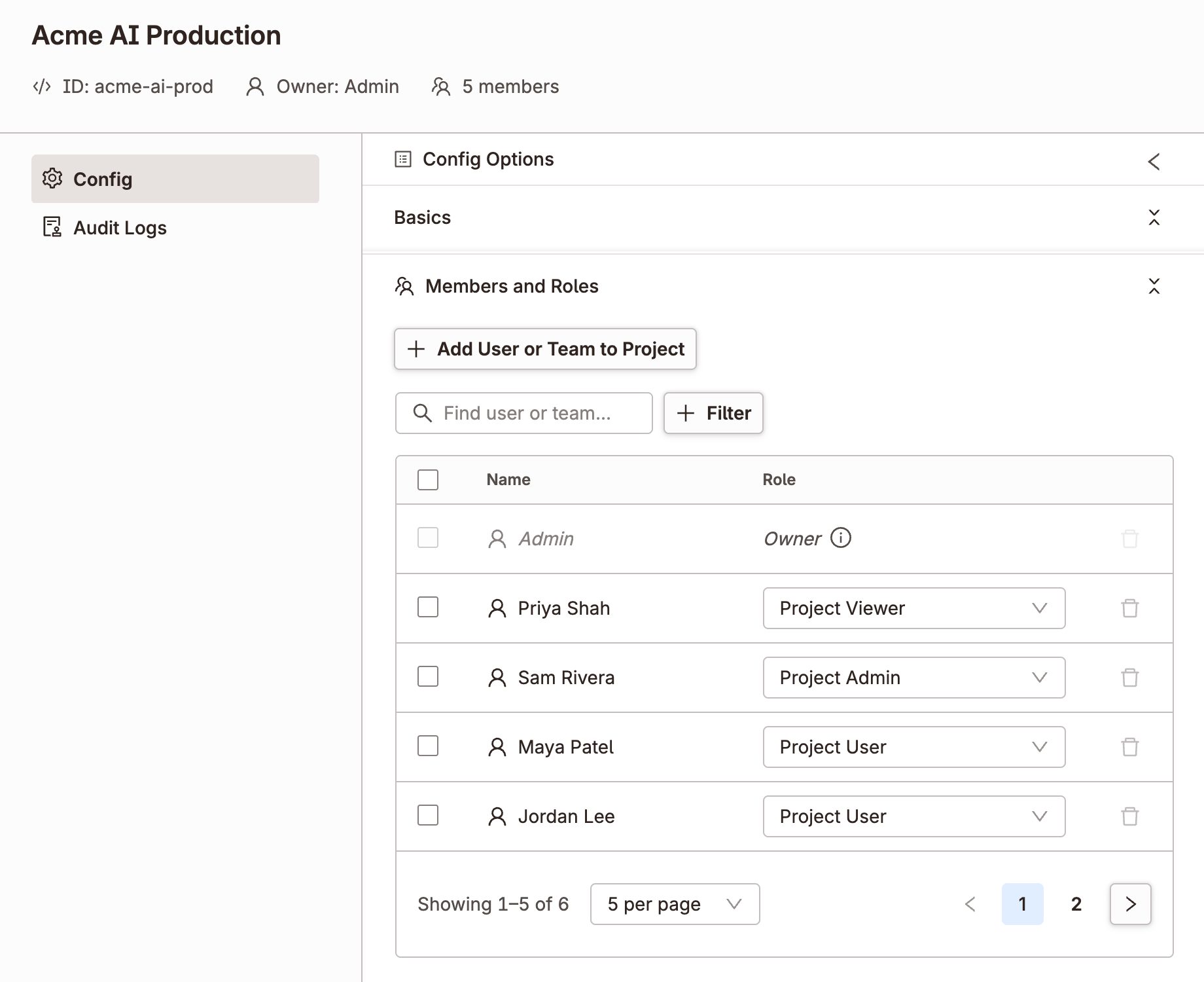
Platform uses a layered RBAC model. Administrators control access at the platform, project, and individual tenant cluster level.
- Platform roles — control access to global settings, connected clusters, and user management
- Project roles — control access to tenant clusters, spaces, and resources within a project
- Tenant cluster roles — control what a user can do inside a specific tenant cluster
Platform integrates with any OIDC provider for SSO, including Okta, Azure AD, Dex, and others. Teams and group memberships from your identity provider map directly to Platform roles.
Node management
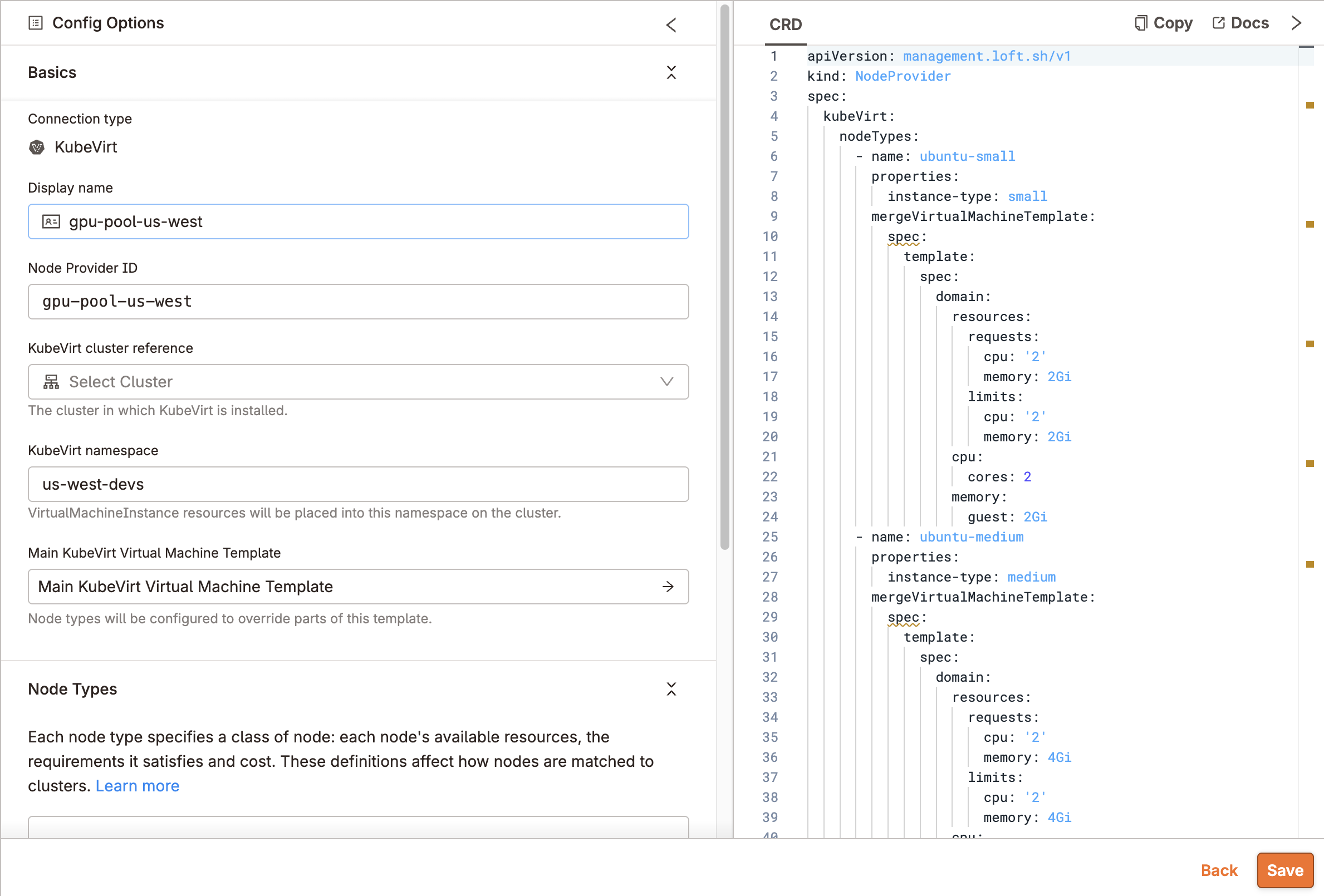
For tenant clusters running on private nodes, Platform manages node lifecycle. Nodes are provisioned and joined automatically based on workload demand, and deprovisioned when no longer needed.
Node providers integrate with cloud APIs (AWS, GCP, Azure, and others) to provision VMs that join as private nodes. For bare metal infrastructure, vMetal handles physical server provisioning using the same model.
This is the operational foundation for AI cloud providers. Tenant clusters with GPU nodes scale up when a customer submits a job and scale down when it finishes, without manual intervention.
Connected clusters
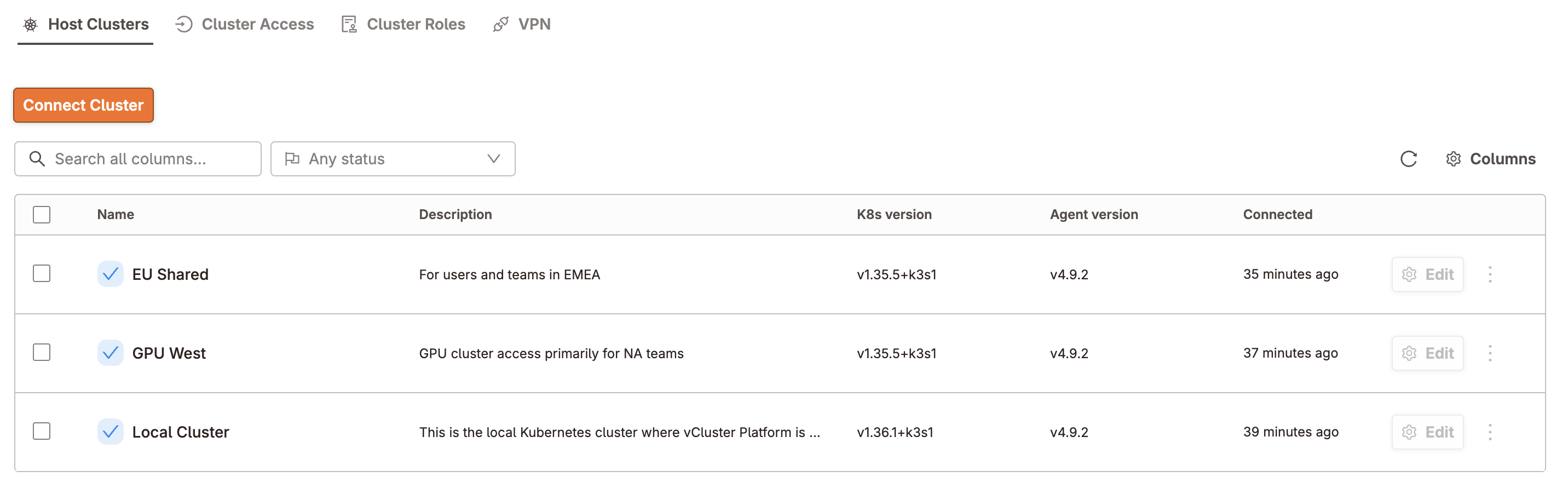
Platform connects to as many Kubernetes clusters as your infrastructure requires. These become the Control Plane Clusters for your tenant cluster fleet. You can distribute tenant clusters across regions, cloud providers, or on-premises environments and manage all of them from one Platform instance.