How to: Exploring K8S on vCluster, Deploying an Observability stack - part 1

Mar 19, 2026
|
8
min Read

When you’re building applications on Kubernetes, observability isn’t optional, it’s foundational. You need metrics to know if things are healthy, dashboards to spot trends, alerting to catch problems early, and long-term storage to answer questions about what happened last week or last month.
In this two-part series, we’ll deploy a complete observability stack on a local Kubernetes cluster powered by vCluster. No cloud account required. No VMs. Just Docker and a few commands.
All source code is available at georgelza/Exploring_vCluster_K8s_Observability_1.
vCluster with the Docker driver gives you a multi-node Kubernetes cluster running entirely in Docker containers. For this project, that means a control plane and three worker nodes enough capacity to run the full observability stack alongside demo workloads all created with a single command:
vcluster create my-vc1 -f vcluster.yaml
The vcluster.yaml configures a 3-worker-node cluster:
controlPlane:
  distro:
    k8s:
      version: "v1.35.0"
experimental:
  docker:
    nodes:
    - name: "worker-1"
    - name: "worker-2"
    - name: "worker-3"
That’s it. In under a minute, you have a fully functional Kubernetes cluster with multiple nodes, ready to host real workloads. When you’re done for the day, vcluster pause my-vc1 frees up resources. vcluster resume my-vc1 picks up right where you left off.
Here’s the full stack:

You might be wondering why RustFS instead of the more common MinIO. MinIO moved away from open-source licensing in a direction that doesn’t align with Apache Foundation values. RustFS is a drop-in S3-compatible replacement that stays true to open-source principles.
RustFS does have one quirk: its web console has hard-coded paths, so it runs on its own port (:9001/rustfs) rather than routing through Traefik alongside everything else.
The stack includes three applications that generate custom Prometheus metrics — implemented in Python, Java, and Go:
All three do the same thing: expose an HTTP endpoint with custom metrics that Prometheus scrapes. This gives you real data flowing through the entire pipeline — from scrape to storage to dashboard.
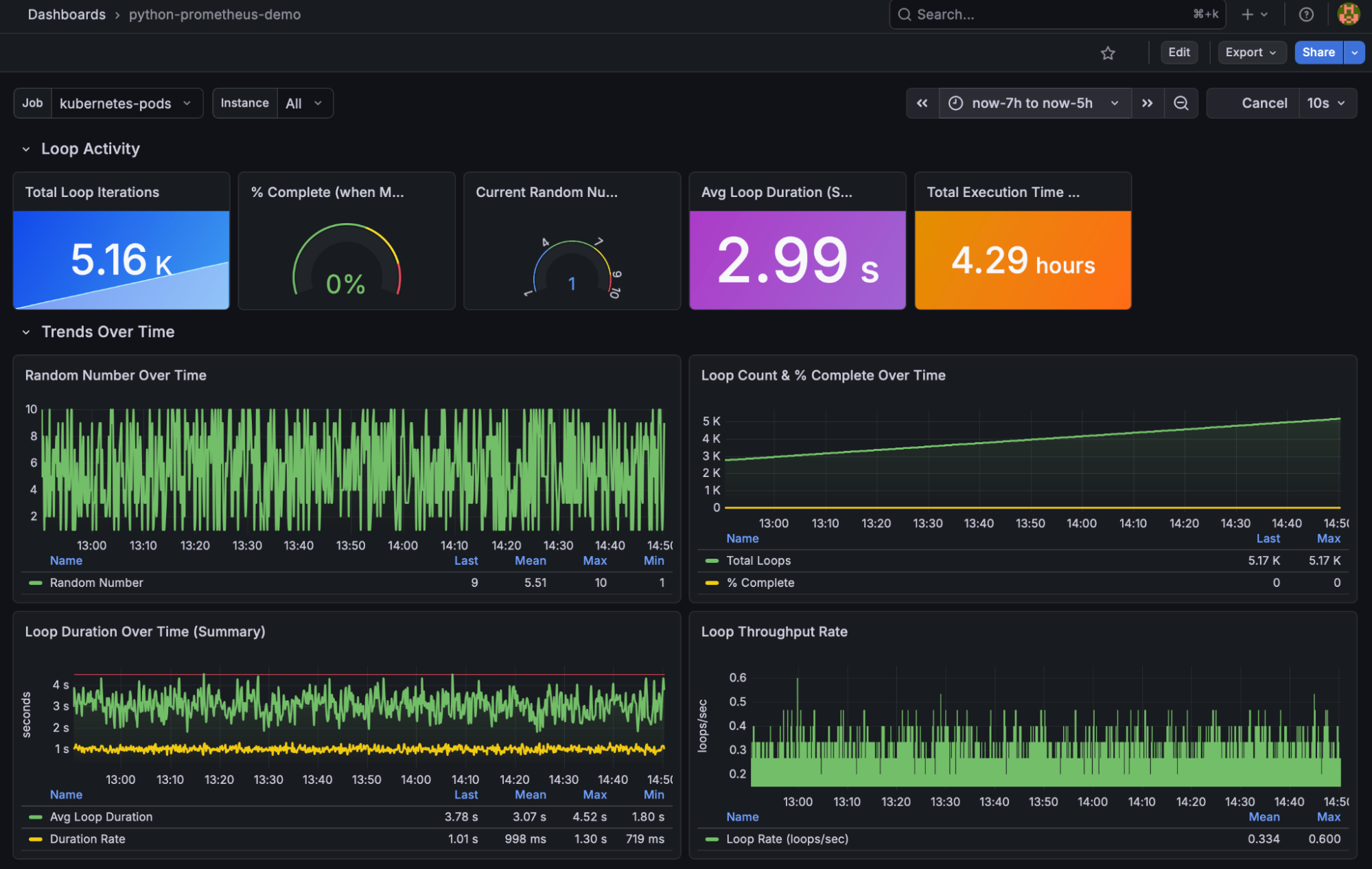
Pre-built Grafana dashboards are included for each application. See monitoring/Dashboards.md for screenshots and import instructions.
Each application also emits structured logs — that’s the foundation for Part 2 where we add Elasticsearch.
The deployment follows a specific order since components depend on each other:
namespaces → rustfs → thanos → prometheus → node-exporter → grafana → traefik → demo apps
Each component, as per above can be deployed using kubectl apply -f . in the numbered directories found under ./monitoring. Tear down is accomplished by executing kubectl delete -f . in the reverse order.
For the complete step-by-step walkthrough, see monitoring/README.md and monitoring/Deploy_core.md.
This project is part of a series building up a complete local Kubernetes development environment:
By the end of the series, you have a local environment with application hosting, ingress routing, metrics collection, dashboarding, alerting, long-term metric storage, and log analytics. That’s a genuinely useful development platform — and it all runs on your laptop.
No system should go to production without end-to-end observability. You need metrics and logs working together to understand what’s happening. Without them, you don’t know what “good” looks like, which means you can’t spot when things go bad.
Observability also drives FinOps — it tells you whether your system is oversized, feeds into capacity planning, and informs budgeting. It’s not just an engineering concern; it’s a business one.
This project gives you working examples of all the pieces. Take the ingress patterns from the earlier posts, combine them with the demo applications and monitoring stack here, and you have the building blocks for a real application with proper observability baked in from day one.
The deployment has been divided into 2 sections, Core deployment and monitoring deployment.
git clone https://github.com/georgelza/Exploring_vCluster_K8s_Observability_1.git
cd monitoring
First, a screenshot showing what we’re starting with:
Docker ps

cd monitoring
sudo vcluster create my-vc1 --values vcluster.yaml
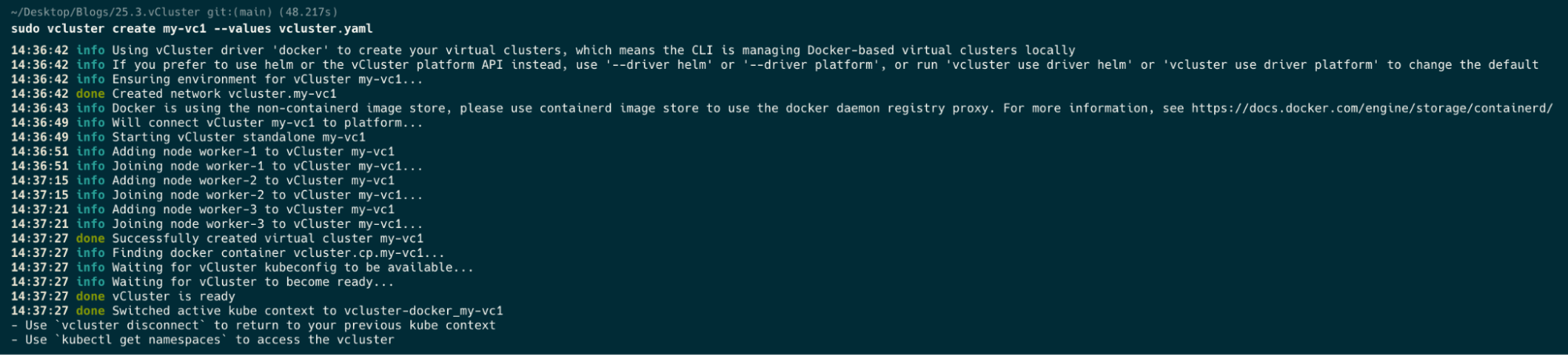
Now a docker ps after we’ve created our cluster.
docker ps

kubectl get nodes

kubectl get namespaces

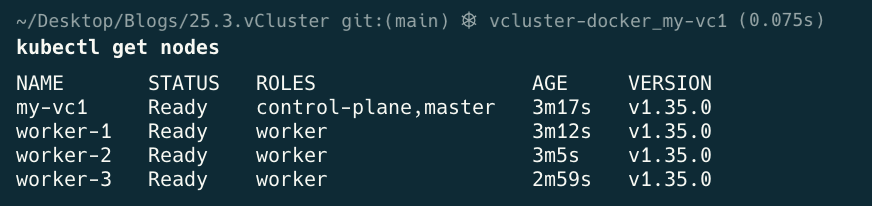
kubectl label node worker-1 worker-2 worker-3 node-role.kubernetes.io/worker=worker

kubectl get nodes
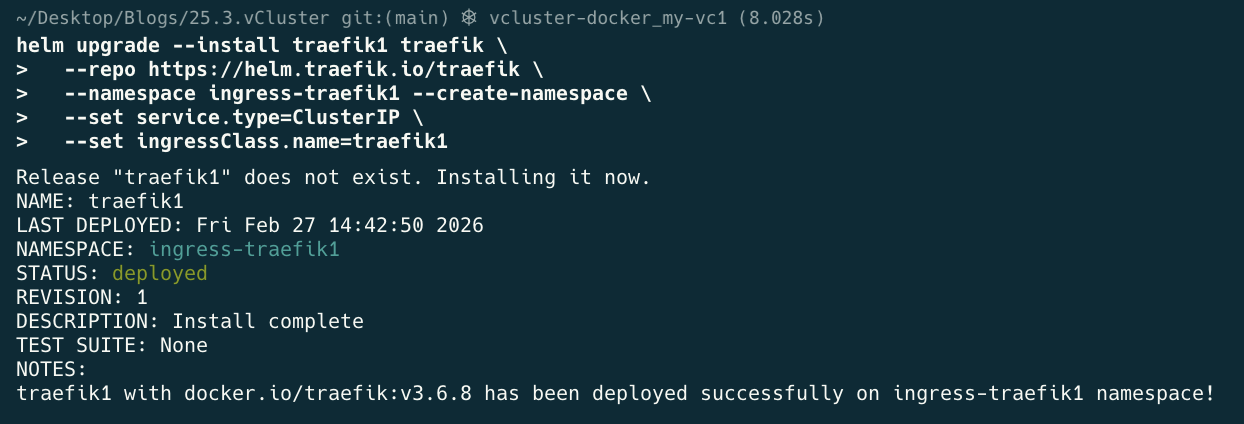
helm upgrade --install traefik1 traefik \
  --repo https://helm.traefik.io/traefik \
  --namespace ingress-traefik1 --create-namespace \
  --set service.type=ClusterIP \
  --set ingressClass.name=traefik1
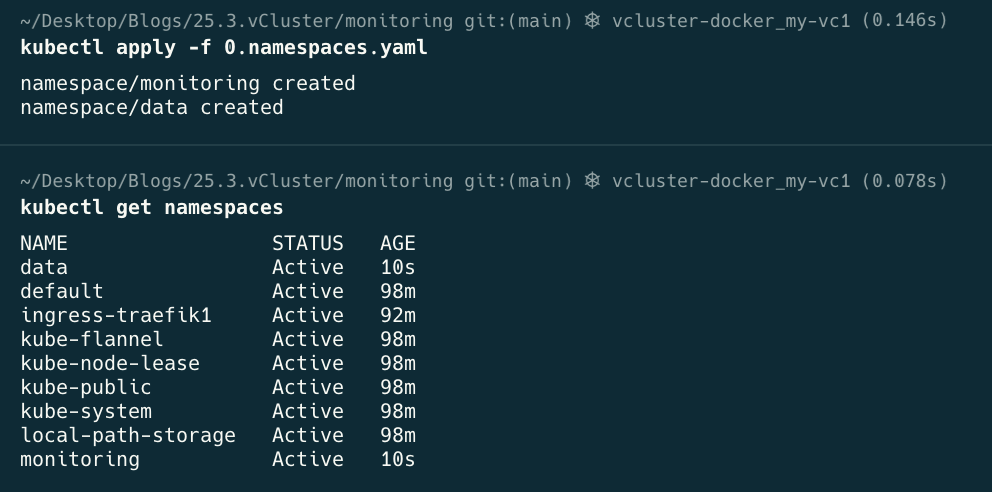
kubectl apply -f 0.namespaces.yaml
cd 1.rustfs
kubectl apply -f .
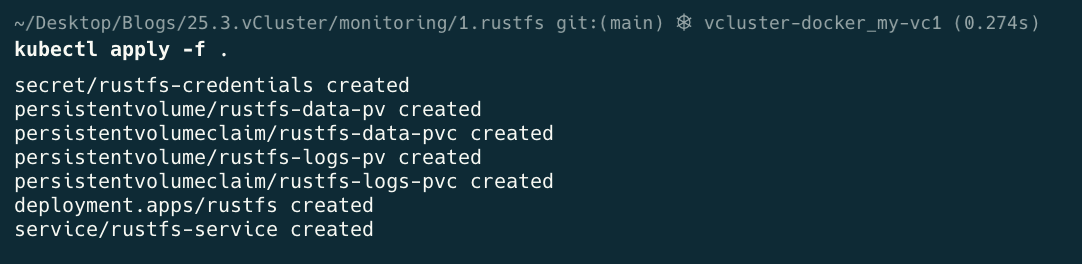
kubectl get all -n data

cd 2.thanos
kubectl apply -f .
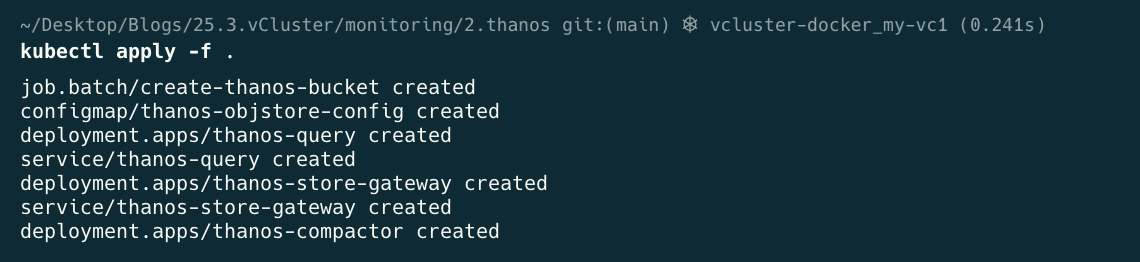
kubectl get all -n monitoring -o wide

cd 3.prometheus
kubectl apply -f .
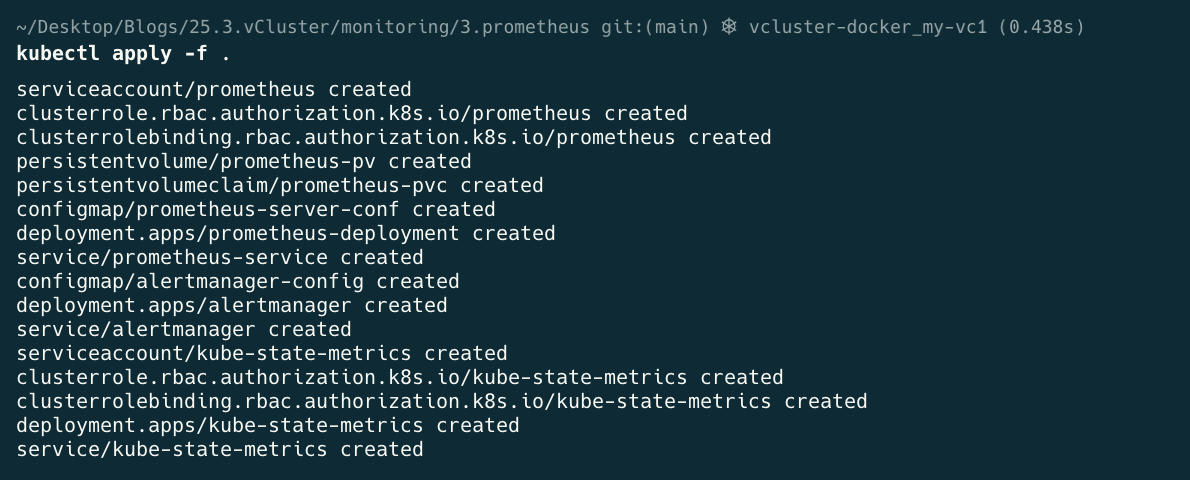
kubectl get all -n monitoring
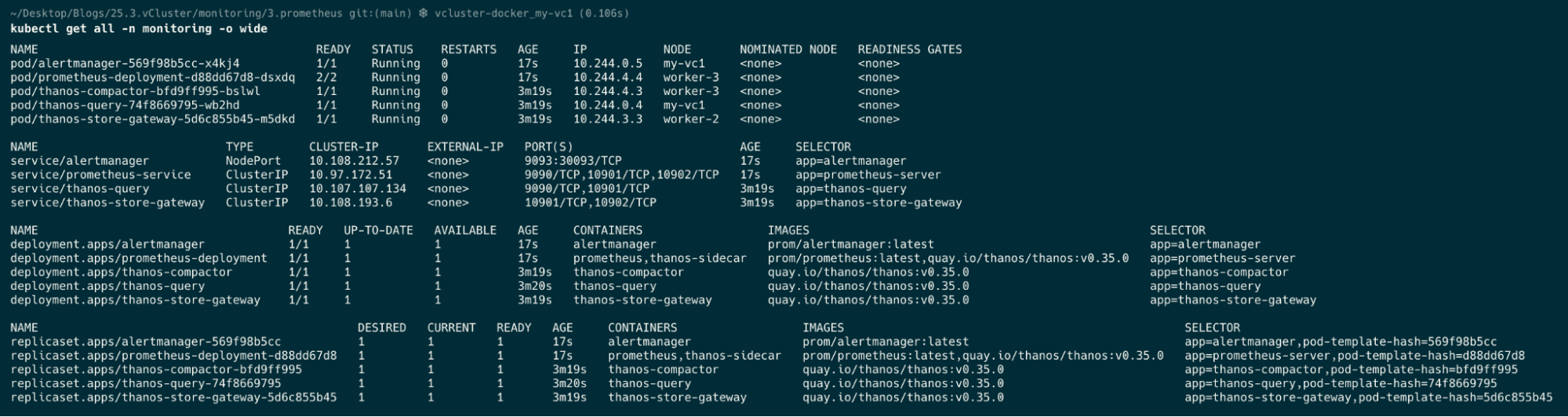
cd 4.node_exporter
kubectl apply -f .

kubectl get all -n monitoring
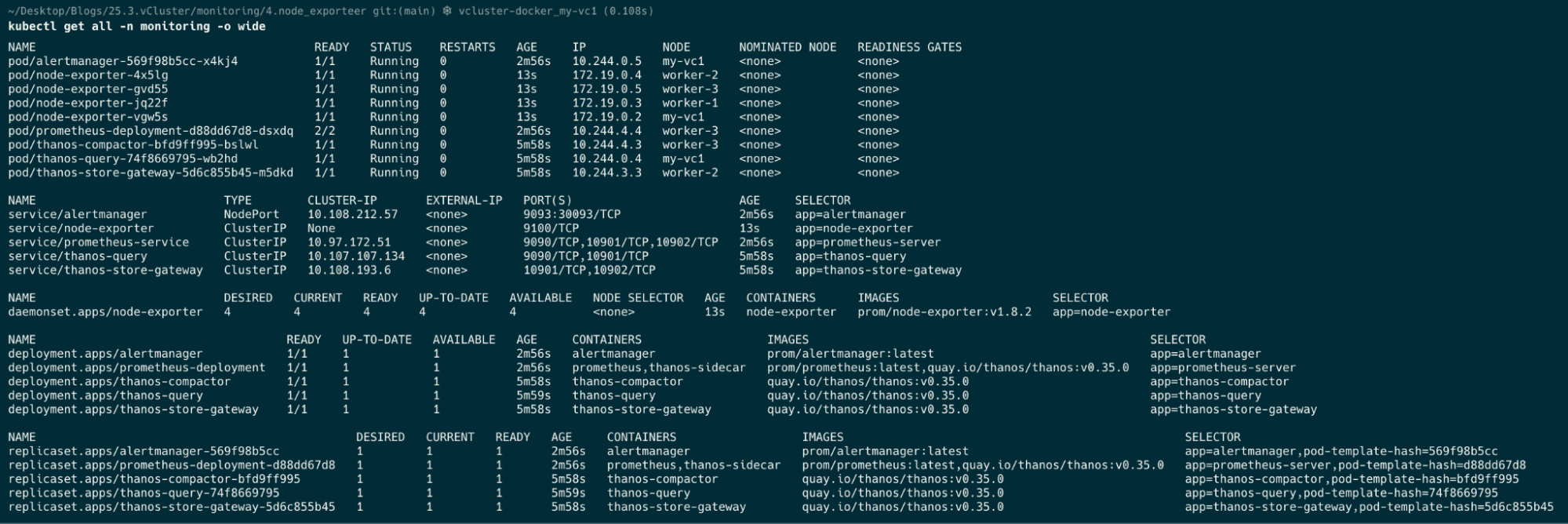
cd 5.grafana
kubectl apply -f .

kubectl get all -n monitoring

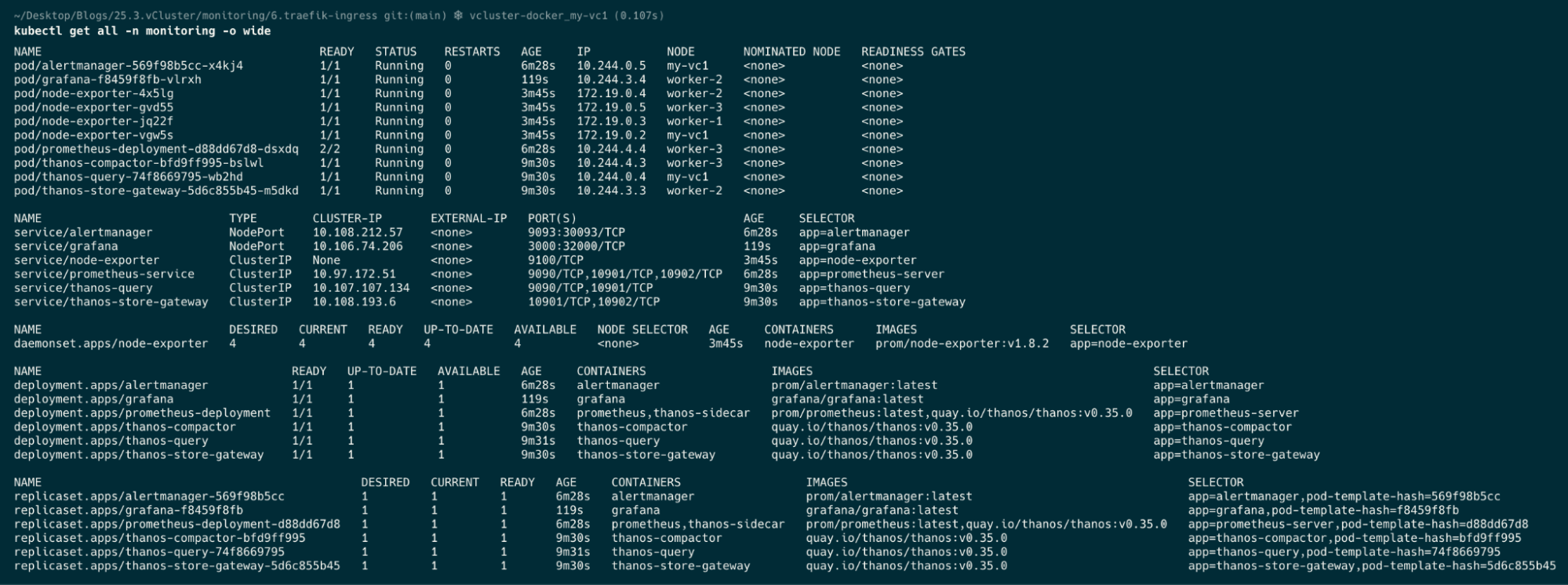
cd 6.traefik-ingress
kubectl apply -f .
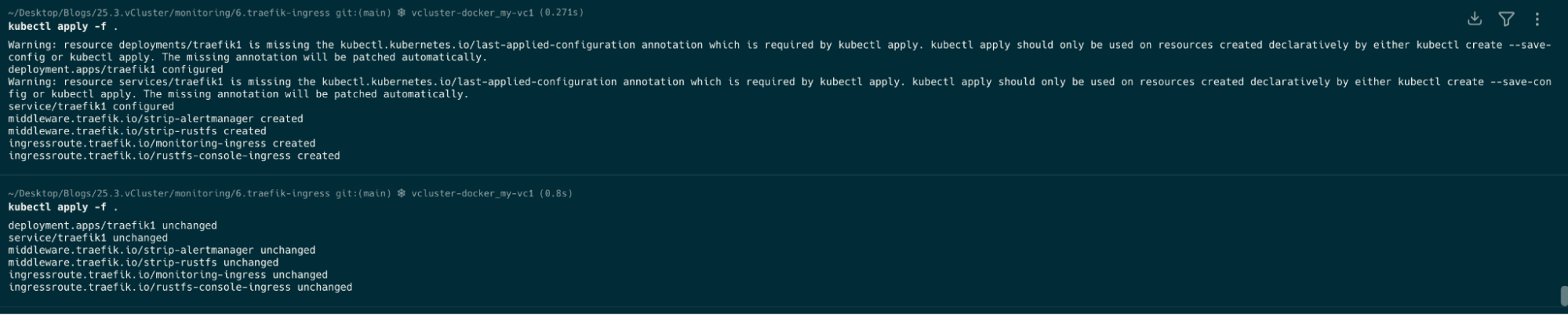
kubectl get all -n monitoring
cd 7.Apps/PythonApp/app-build
make build
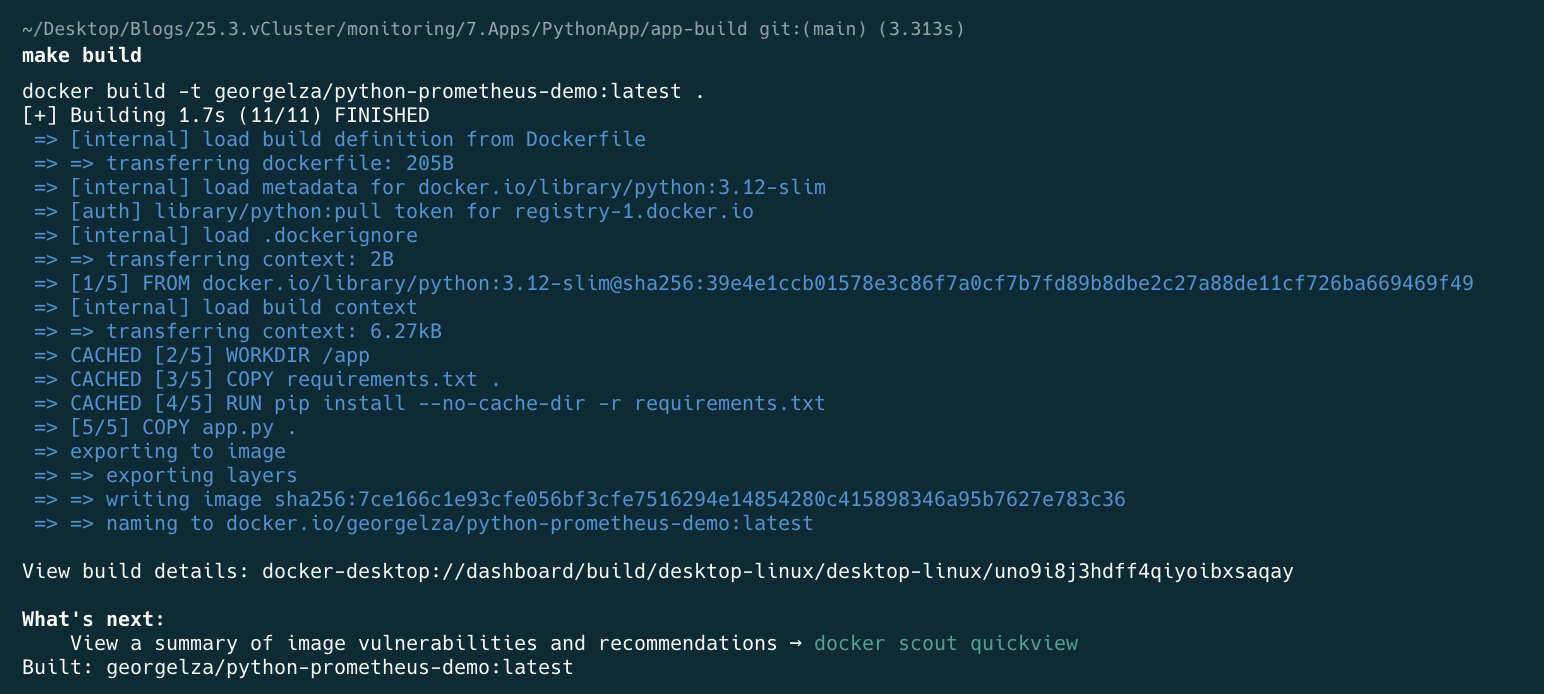
make deploy
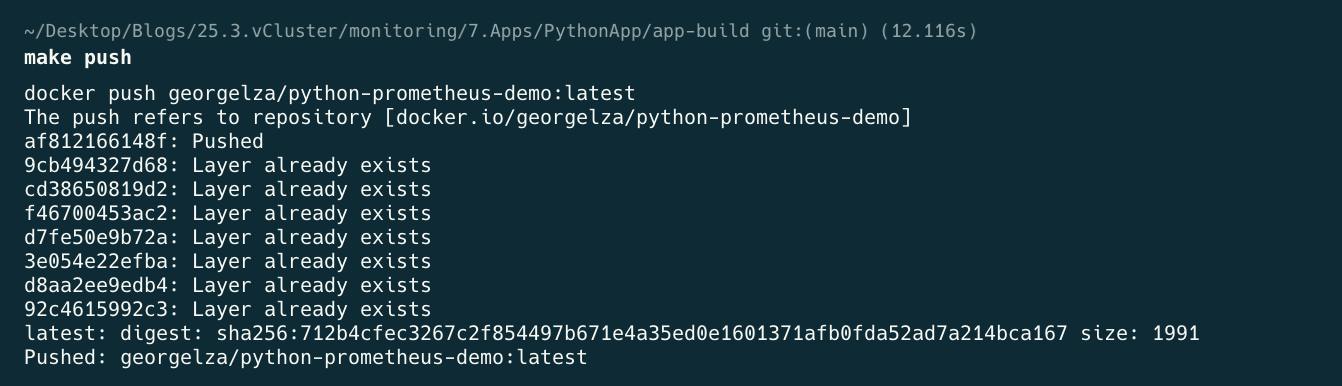
make k-apply

kubectl get all -n prometheus-demo

Part 2 adds Elasticsearch for log analytics. Combined with the metrics stack from Part 1, you’ll have a complete observability platform — metrics, dashboards, alerting, long-term storage, and log search — all running locally on vCluster.
Try It With vind
The local cluster in this tutorial uses vCluster's Docker driver — the same foundation behind vind (vCluster in Docker). If you found it useful, give vind a star on GitHub.
Deploy your first virtual cluster today.
