Run Ray Serve as an NVCF Function on vind (vCluster in Docker)

Jun 11, 2026
|
11
min Read
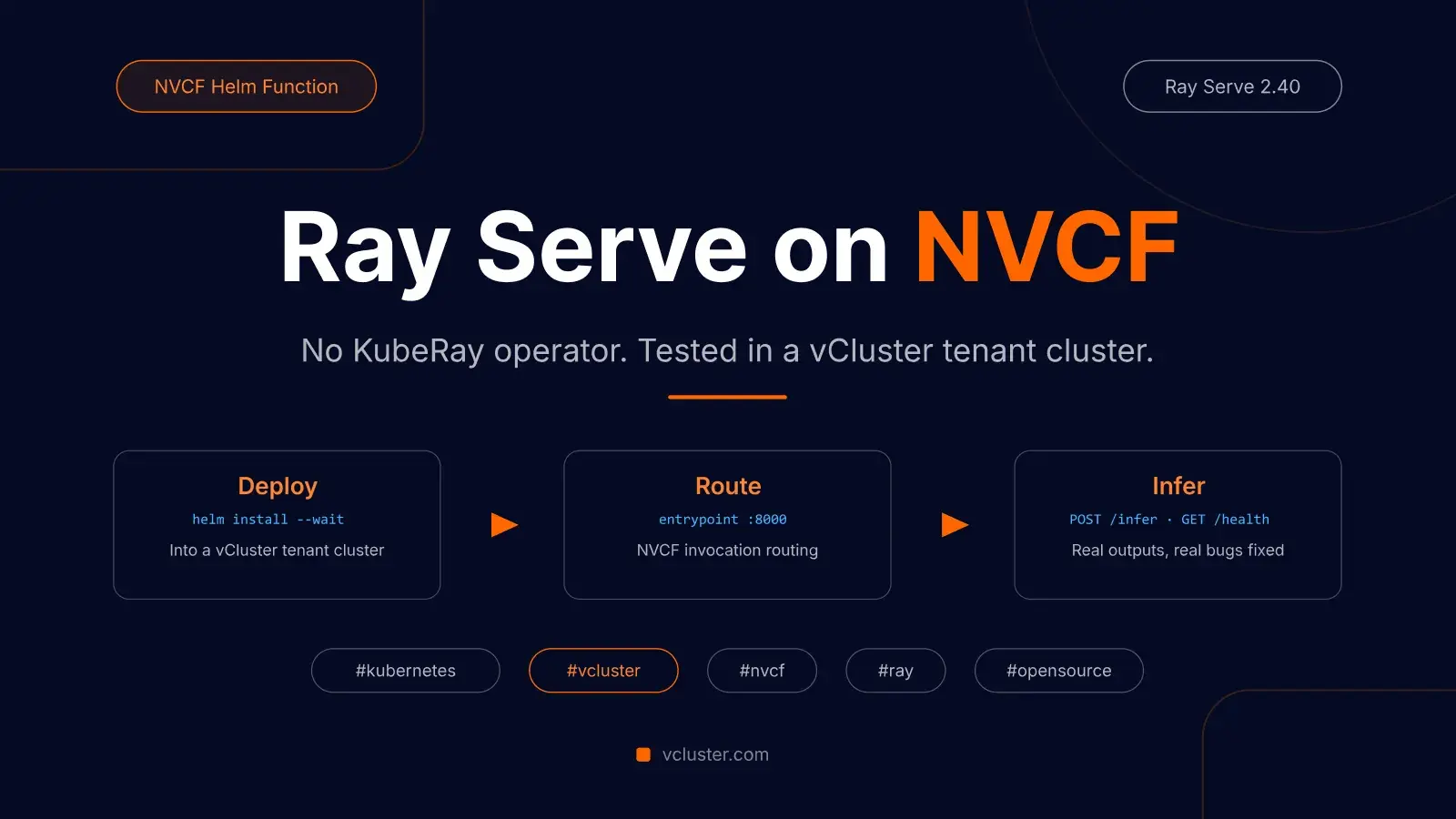
NVIDIA Cloud Functions (NVCF) is the function platform behind NVIDIA's GPU cloud, and it is now open source. For AI Clouds and platform teams building GPU infrastructure, it is one of the more interesting pieces of the stack to study: it turns a GPU cluster into a serverless inference target.
NVCF lets you create functions in two ways: as a custom container, or as a Helm chart. The Helm chart path is interesting because it gives you control over the Kubernetes resources that run inside the function boundary.
I built and tested a Ray Serve chart, sent it upstream as PR #22, and it has now landed in NVIDIA/nvcf main through NVIDIA's upstream merge flow as commit 31497f3, with me credited as co-author.
For this walkthrough, the demo environment is vind (vCluster in Docker). vind is vCluster's standalone mode: it runs the entire cluster directly in Docker containers. That means the whole demo runs on a laptop with nothing but Docker installed: you get a real Kubernetes API server in seconds, and the chart deploys into it exactly as it would into any GPU cluster.
If you have never used Ray, here is the mental model in plain English.
Ray is a distributed Python runtime. Ray Serve is the serving layer built on top of it. You define a Python class, decorate it with @serve.deployment, and Ray Serve handles HTTP routing, replica management, and scaling.
For this sample, we run one Kubernetes pod with one Ray head node. Ray still starts multiple internal processes and Serve actors, but you do not need the KubeRay operator or any Ray CRDs.
That last part matters for NVCF. NVCF Helm functions deploy a Helm chart into a namespace and then route invocations to the Kubernetes Service you name in the function definition. This sample names that service entrypoint. If Ray Serve binds to 0.0.0.0:8000 and you expose it through a ClusterIP service called entrypoint, NVCF can treat it like any other Helm function endpoint.
A single Kubernetes pod running a Ray head node with Ray Serve deployed on top. NVCF routes inference requests to the Service configured with --helm-chart-service; in this sample, that Service is named entrypoint and exposes port 8000. The serve app handles POST /infer and GET /health. No KubeRay operator. No CRDs. Just a Deployment, a ConfigMap, and a Service.

When NVCF deploys a Helm function, it uses the helmChartServiceName value from the function definition as the target for invocation routing. In the CLI, that is the --helm-chart-service flag. For this chart, we pass --helm-chart-service entrypoint, so every inference request that arrives at the NVCF API is routed to entrypoint:8000 inside the cluster. Ray Serve listens there and dispatches to your deployment class.
On Apple Silicon (ARM64), use --set image.tag=2.40.0-py310-aarch64. The default 2.40.0-py310-gpu tag is AMD64-only.
The vCluster Docker driver creates a standalone cluster directly in Docker, no existing Kubernetes cluster required:
$ vcluster create ray-nvcf --driver docker
info  Ensuring environment for vCluster ray-nvcf...
done  Created network vcluster.ray-nvcf
info  Starting vCluster standalone ray-nvcf
info  Waiting for vCluster standalone node to be joined...
done  vCluster standalone node joined successfully
done  Successfully created virtual cluster ray-nvcf
done  vCluster is ready
done  Switched active kube context to vcluster-docker_ray-nvcf
About 35 seconds from nothing to a ready Kubernetes v1.35 API:
$ kubectl get nodes
NAME       STATUS   ROLES                  AGE   VERSION
ray-nvcf   Ready    control-plane,master   15s   v1.35.0
The CLI switches your kube context to the vind cluster automatically, so every helm and kubectl command below talks to it like any other cluster.
The chart lives at examples/function-samples/helmchart-samples/ray-serve-sample/ in the NVCF repo. Five files:
ray-serve/
  Chart.yaml                  # version 0.1.0
  values.yaml                 # image, GPU count, resource requests
  templates/
    deployment.yaml           # Ray head pod + startup sequence
    configmap.yaml            # serve_app.py mounted at /app
    service.yaml              # entrypoint Service on port 8000
The key design decision is in deployment.yaml:
ray start --head --port=6379 --dashboard-host=0.0.0.0 --block &
until ray health-check 2>/dev/null; do sleep 2; done
python /app/serve_app.py
ray start --block & starts the head node in the background and keeps it alive. ray health-check polls until Ray's GCS control service is ready before running the serve app. This matters: if you launch serve_app.py before Ray is ready, the ray.init(address="auto") call can fail.
configmap.yaml mounts a Python file at /app/serve_app.py:
import time
import ray
from ray import serve
from ray.serve.config import HTTPOptions
from fastapi import FastAPI, Request
from fastapi.responses import JSONResponse

ray.init(address="auto", ignore_reinit_error=True)

# serve.start() must be called explicitly to bind to 0.0.0.0;
# serve.run() alone defaults the HTTP proxy to 127.0.0.1,
# which is unreachable from outside the pod.
serve.start(http_options=HTTPOptions(host="0.0.0.0", port=8000))

app = FastAPI()

@serve.deployment(num_replicas=1, ray_actor_options={"num_gpus": 0})
@serve.ingress(app)
class InferenceDeployment:
    def __init__(self):
        pass

    @app.post("/infer")
    async def infer(self, request: Request) -> JSONResponse:
        body = await request.json()
        return JSONResponse({"echo": body})

    @app.get("/health")
    async def health(self) -> JSONResponse:
        return JSONResponse({"status": "ok"})

serve.run(InferenceDeployment.bind())

while True:
    time.sleep(3600)
Two things worth noting:
Clone the repo and install the chart in CPU mode into the vind cluster. I tested the commands below from current NVIDIA/nvcf main, inside the ray-nvcf vind cluster on an ARM64 Mac.
git clone https://github.com/NVIDIA/nvcf.git
cd nvcf

# AMD64
helm upgrade --install ray-serve-vcluster \
  examples/function-samples/helmchart-samples/ray-serve-sample/ray-serve/ \
  --set gpu.count=0 \
  --set image.tag=2.40.0-py310 \
  --namespace ray-test-vcluster \
  --create-namespace \
  --wait --timeout 12m

# Apple Silicon ARM64
helm upgrade --install ray-serve-vcluster \
  examples/function-samples/helmchart-samples/ray-serve-sample/ray-serve/ \
  --set gpu.count=0 \
  --set image.tag=2.40.0-py310-aarch64 \
  --set resources.requests.memory=2Gi \
  --set resources.limits.memory=4Gi \
  --namespace ray-test-vcluster \
  --create-namespace \
  --wait --timeout 12m
The --wait flag blocks until the readiness probe on /health passes. First run can take a few minutes because the Ray image is large and Ray Serve needs time to start. The final release status is what matters:
STATUS: deployed
REVISION: 1
DESCRIPTION: Install complete
Check the pod:
$ kubectl get pods -n ray-test-vcluster
NAME                                  READY   STATUS    RESTARTS   AGE
ray-serve-vcluster-746d79d55c-dfcj5   1/1     Running   0          2m25s
Check the service:
$ kubectl get svc -n ray-test-vcluster
NAME         TYPE        CLUSTER-IP      EXTERNAL-IP   PORT(S)    AGE
entrypoint   ClusterIP   10.106.209.40   <none>        8000/TCP   2m25s
Check that the service has a backend endpoint:
$ kubectl get endpoints -n ray-test-vcluster entrypoint
NAME         ENDPOINTS         AGE
entrypoint   10.244.0.4:8000   2m25s
(Kubernetes v1.33+ prints a deprecation warning pointing you to EndpointSlices; the v1 Endpoints view still works and is the shortest way to confirm the Service has a backend.)
Watch the logs to confirm Ray Serve deployed:
$ kubectl logs -n ray-test-vcluster -l app.kubernetes.io/name=ray-serve-vcluster | grep -E "Application 'default'|Deployed app"
INFO 2026-06-10 00:22:54,759 serve 1 -- Application 'default' is ready at http://0.0.0.0:8000/.
INFO 2026-06-10 00:22:54,760 serve 1 -- Deployed app 'default' successfully.
Test the endpoints:
$ kubectl port-forward -n ray-test-vcluster svc/entrypoint 8000:8000 &

$ curl -sS -w '\nHTTP %{http_code} in %{time_total}s\n' http://localhost:8000/health
{"status":"ok"}
HTTP 200 in 0.018517s

$ curl -sS -w '\nHTTP %{http_code} in %{time_total}s\n' \
  -X POST http://localhost:8000/infer \
  -H 'Content-Type: application/json' \
  -d '{"prompt": "Hello Ray Serve on vCluster"}'
{"echo":{"prompt":"Hello Ray Serve on vCluster"}}
HTTP 200 in 0.023307s

$ kill %1
Ray Serve logs confirm both requests:
(ServeReplica:default:InferenceDeployment pid=404) GET /health 200 3.6ms
(ServeReplica:default:InferenceDeployment pid=404) POST /infer 200 9.9ms
The pod reached 1/1 Running with zero restarts in this run. If you do see restarts on a slow machine, check kubectl describe pod; a busy laptop can trip the Kubernetes probe timeout while Ray Serve is still warming up, and the pod recovers on its own.
When you are done, the whole environment disappears with one command:
vcluster delete ray-nvcf --driver docker
Replace the InferenceDeployment body in configmap.yaml with your model logic. For a Hugging Face text generation model:
@serve.deployment(num_replicas=1, ray_actor_options={"num_gpus": 1})
@serve.ingress(app)
class InferenceDeployment:
    def __init__(self):
        from transformers import pipeline
        self.model = pipeline(
            "text-generation",
            model="meta-llama/Llama-3.2-1B",
            device=0,
        )

    @app.post("/infer")
    async def infer(self, request: Request) -> JSONResponse:
        body = await request.json()
        result = self.model(body.get("prompt", ""), max_new_tokens=256)
        return JSONResponse({"generated_text": result[0]["generated_text"]})

    @app.get("/health")
    async def health(self) -> JSONResponse:
        return JSONResponse({"status": "ok"})
Set num_gpus: 1 in the Ray actor options and deploy with --set gpu.count=1. The pod will request nvidia.com/gpu: 1 from Kubernetes.
For a real model, you will usually also build a custom image with transformers, accelerate, model-specific libraries, and any required Hugging Face authentication or model cache setup. The default rayproject/ray image is enough for the echo sample, not a full production model stack.
Package and push the chart to an OCI registry:
helm package examples/function-samples/helmchart-samples/ray-serve-sample/ray-serve/
helm push ray-serve-0.1.0.tgz oci://<your-registry>/<namespace>
Register credentials and create the function:
nvcf-cli registry-credential add \
  --hostname <your-registry> \
  --username <user> \
  --password <pass> \
  --artifact-type HELM \
  --artifact-type CONTAINER

nvcf-cli function create \
  --name ray-serve-sample \
  --helm-chart oci://<your-registry>/<namespace>/ray-serve:0.1.0 \
  --helm-chart-service entrypoint \
  --inference-url /infer \
  --inference-port 8000 \
  --health-uri /health \
  --health-port 8000

nvcf-cli function deploy create \
  --function-id <function-id> \
  --version-id <version-id> \
  --gpu H100 \
  --instance-type NCP.GPU.H100_1x \
  --min-instances 1 \
  --max-instances 1
The --helm-chart-service entrypoint tells NVCF which Kubernetes Service to route invocations to. The --health-uri and --health-port tell NVCF where to check readiness before sending traffic. If your OCI registry only stores the Helm chart and your container image is public, --artifact-type HELM may be enough. Add --artifact-type CONTAINER when the same private registry also hosts images that NVCF must pull.
During the original development of the chart, getting to a clean 1/1 Running required fixing three issues: the startup loop used the wrong health-check condition, current Ray versions do not accept host/port on serve.run(), and time.sleep(float("inf")) can raise OverflowError on Python 3.10 aarch64. All three are fixed in the chart that landed in main via commit 31497f3.
The run you see in this post was done on 2026-06-10 against current NVIDIA/nvcf main, inside a standalone vind cluster created with vCluster 0.34 (Docker driver) running Kubernetes v1.35.0, on an ARM64 Mac.
One honest caveat on the NVCF side: my self-managed NVCF control plane was not healthy enough to run a real function create / function deploy test (several control-plane pods were in CrashLoopBackOff or ImagePullBackOff). So the Helm chart path is tested end to end; the NVCF registration commands are validated against the current CLI, but not executed against a healthy NVCF control plane in this run.
Deploy your first virtual cluster today.
