Day 7: The vCluster Platform UI: Managing vind Clusters Visually

Mar 14, 2026
|
6
min Read
All week we’ve been working with the CLI. And honestly, for daily dev work, the CLI is great. But there’s a whole other side to vind that we haven’t touched yet, the vCluster Platform UI.
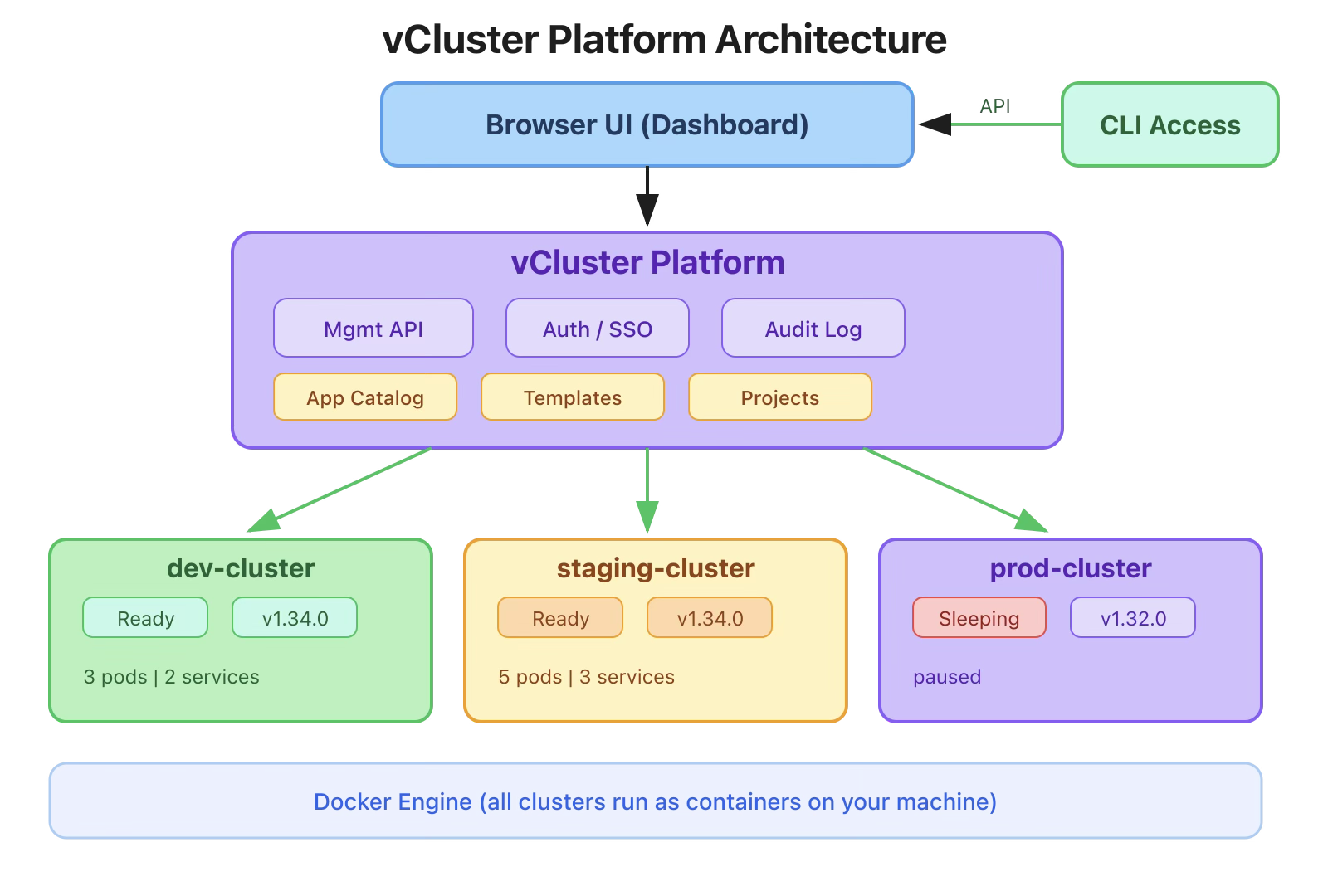
This is the piece that takes vind from “a better KinD” to something that feels like a real cluster management platform. You get a web dashboard where you can see all your clusters, their status, manage users and teams, deploy apps from a catalog, use templates, and more.
KinD has nothing like this. Let me show you what it looks like.
Command:
$ vcluster platform start
Output:
info  Starting vCluster platform in Docker...
info  Welcome to vCluster platform!
info  Starting vCluster platform...

##########################   LOGIN   ############################

Username: admin
Password: e4bdab61de57d89d2cc05fe574855c86746af56a333e6769321d26f20c36dbc3

Login via UI:  https://25turjei.loft.host
Login via CLI: vcluster platform login https://25turjei.loft.host

#################################################################

vCluster Platform was successfully installed and can now be reached at: https://25turjei.loft.host
The platform runs as a Docker container alongside your vind clusters. It gives you a unique URL with auto-generated credentials. Open that URL in your browser and you’re in.
Important: Start the platform before creating your clusters. Clusters created after vcluster platform start are automatically registered in the platform. Clusters created before the platform was running won’t appear in the UI.
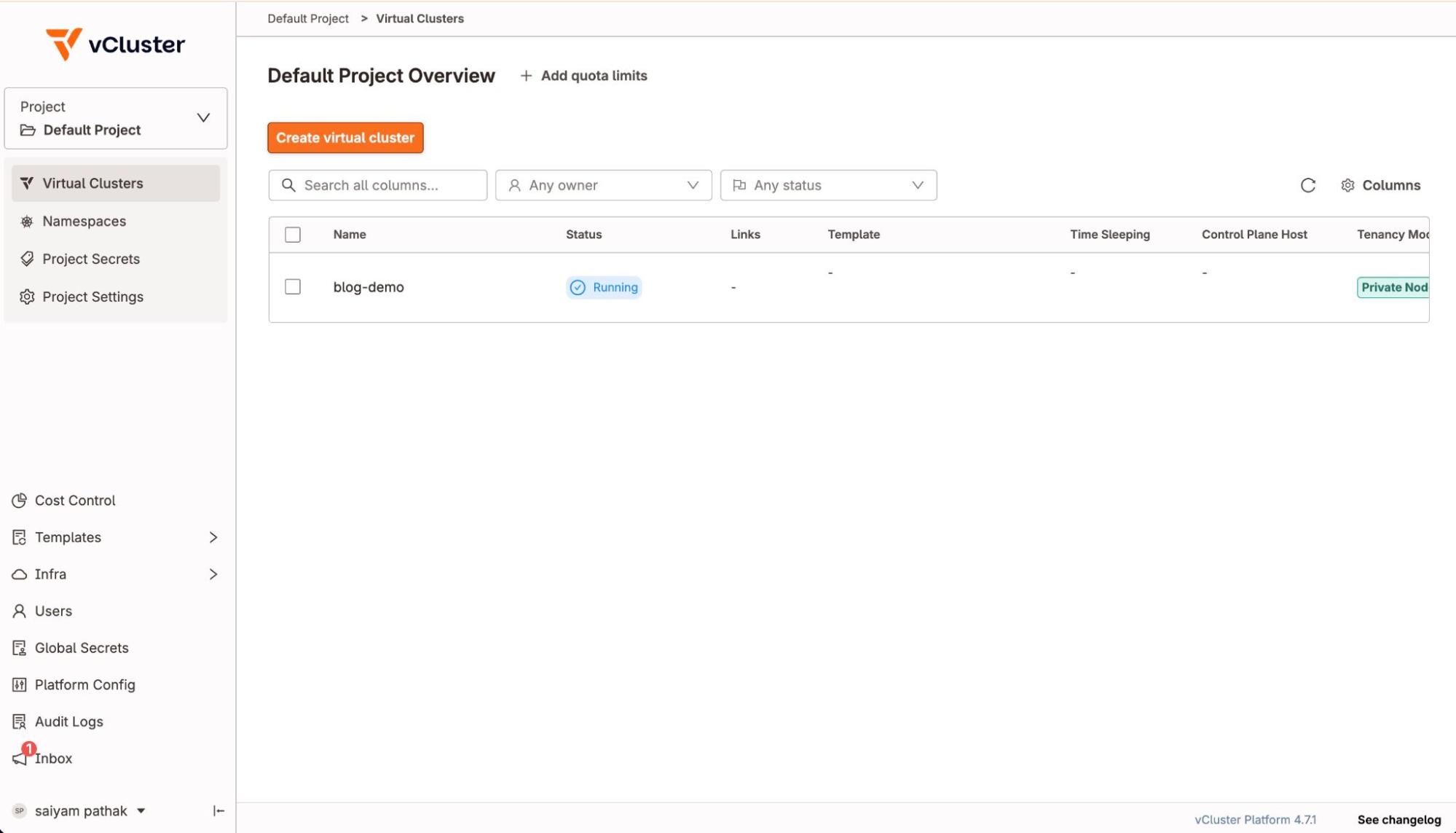
A visual list of all your vind clusters with real-time status:
Command:
$ vcluster platform list vclusters
Output:
     NAME      | NAMESPACE | PROJECT | STATUS | VERSION | CONNECTED |  AGE
---------------+-----------+---------+--------+---------+-----------+------
  blog-demo    |           | default | Ready  | 0.32.1  |           | 14m
You can click into any cluster to see its details, connect to it, or manage it.
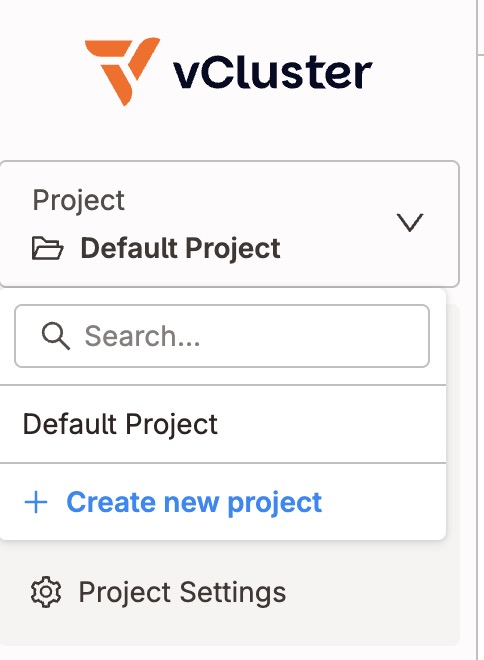
Projects are how you organize clusters. By default, there’s a default project, but you can create more:
$ vcluster platform list projects
 PROJECT
-----------
 default
In the UI, projects let you: - Group related clusters together (e.g., development, staging, production) - Set access policies per project - Define which clusters are allowed in each project - Assign team members to specific projects
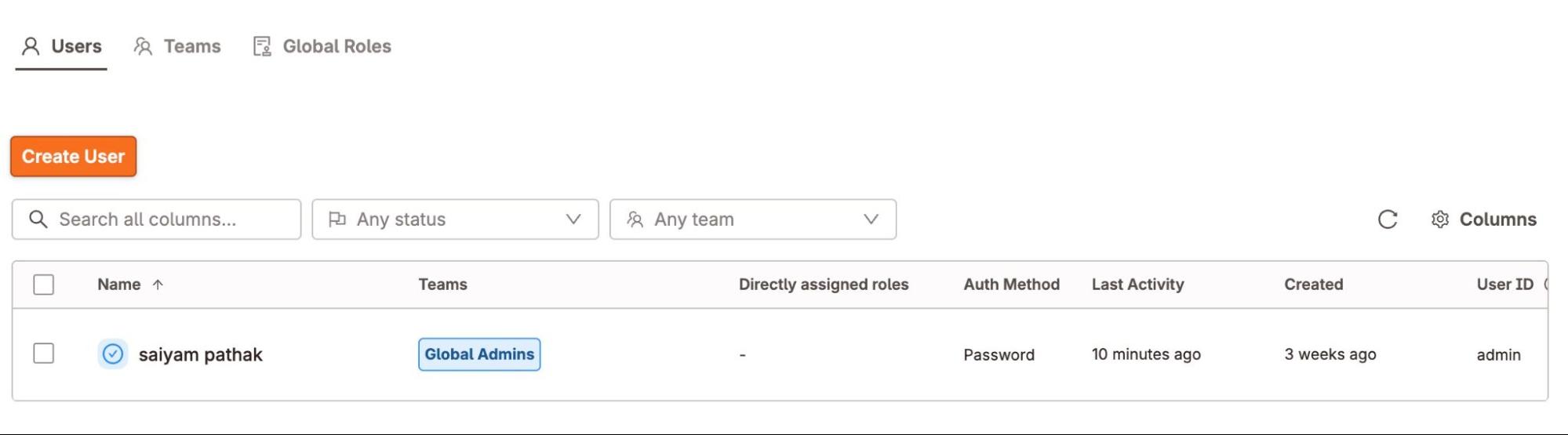
Command:
$ vcluster platform get current-user
Output:
  USERNAME | KUBERNETES NAME | DISPLAY NAME  |       EMAIL
-----------+-----------------+---------------+----------------------
  admin    | admin           | saiyam pathak | xxxxxxxx@gmail.com
The platform supports:-

You can see the resources of the cluster and access them via the UI and create resources on the cluster via the UI as well.
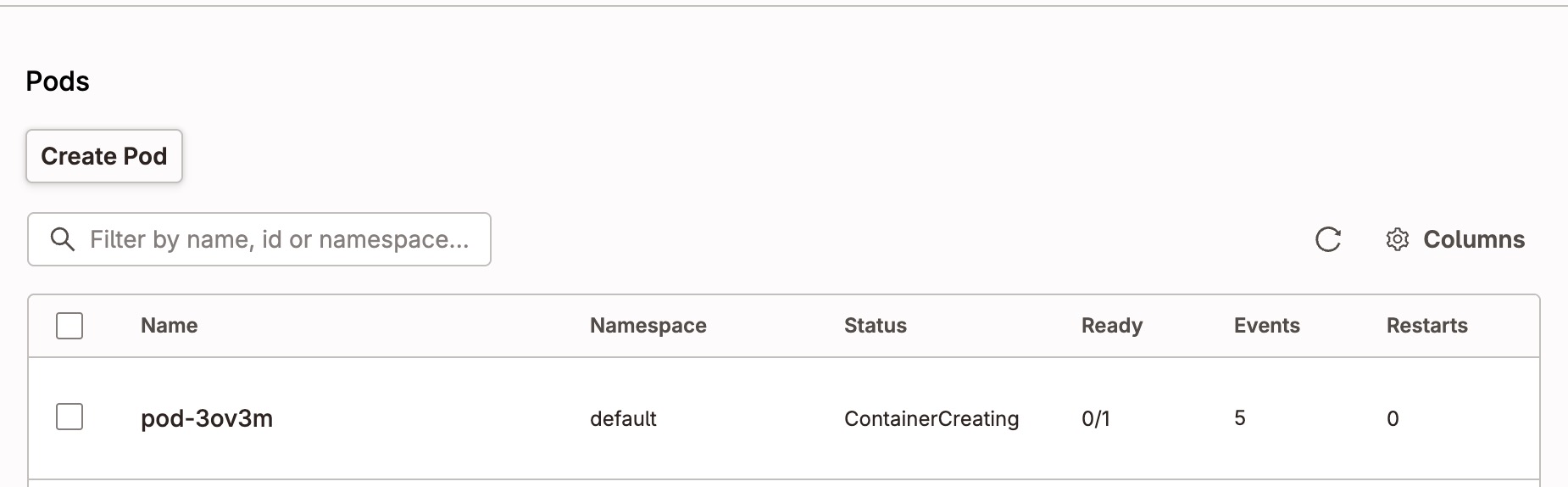
When the platform is running, cluster operations are automatically tracked:
Command:
$ vcluster create blog-demo
Output:
info  Will connect vCluster blog-demo to platform...
info  Starting vCluster standalone blog-demo
done  Successfully created virtual cluster blog-demo
Notice the line: “Will connect vCluster blog-demo to platform…” : the cluster is automatically registered.
Command:
$ vcluster delete blog-demo
Output:
info  Removing vCluster container vcluster.cp.blog-demo...
info  Delete virtual cluster instance p-default/blog-demo in platform
done  Successfully deleted virtual cluster blog-demo
Notice: “Delete virtual cluster instance p-default/blog-demo in platform”, it automatically deregisters. No orphaned entries in the dashboard.
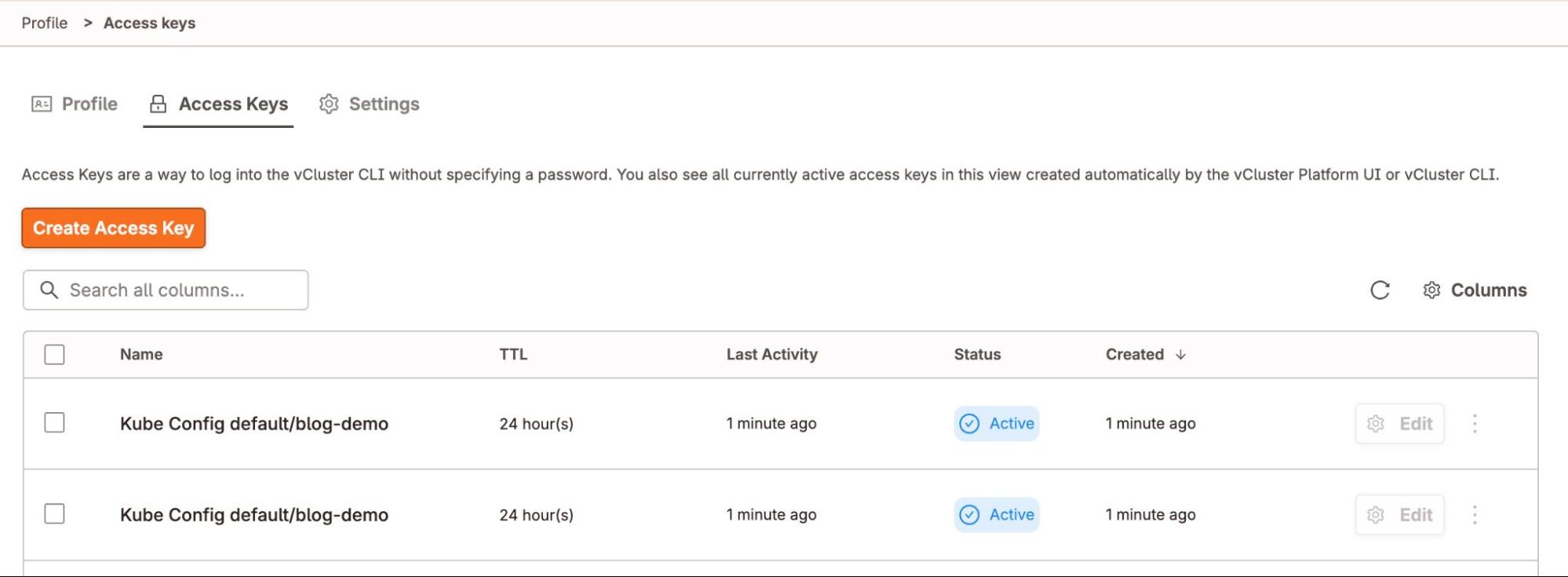
The platform supports access keys for programmatic access:
# Login with access key
$ vcluster platform login https://25punio.loft.host --access-key <your-key>
done  Successfully logged into vCluster Platform instance https://25punio.loft.host
# Now all platform commands work
$ vcluster platform list vclusters
$ vcluster platform list projects
This is useful for: - CI/CD pipelines that need to interact with the platform - Scripts that manage clusters automatically - Team members who need CLI access without browser login
Seven days of vind: from installation to multi-node clusters, external cloud nodes, CI/CD pipelines, advanced features, and now the Platform UI.
Here’s what I hope you take away:
If you’re still running KinD, give vind a try. Three commands to get started:
brew install loft-sh/tap/vcluster
vcluster use driver docker
vcluster create my-cluster
Happy clustering!
The complete “7 Days of Vind” series:
All commands tested on macOS (Apple Silicon M1) with Docker Desktop, vCluster CLI v0.31.0, and vCluster Platform v4.7.1.
vind is open source: github.com/loft-sh/vind , so do star the repo if you like vind
Deploy your first virtual cluster today.
